Key Takeaways
- A design system is a complete framework, not just a UI kit
- It includes components, guidelines, and documentation
- It ensures consistency across the product
- It improves speed by enabling reuse
- It strengthens collaboration between teams
- It becomes essential as products scale
If you have ever worked on a growing product, you have probably seen things slowly fall apart. Buttons look slightly different across pages, colors do not match perfectly, and design decisions start to feel random. This is exactly the kind of problem a design system is meant to solve.
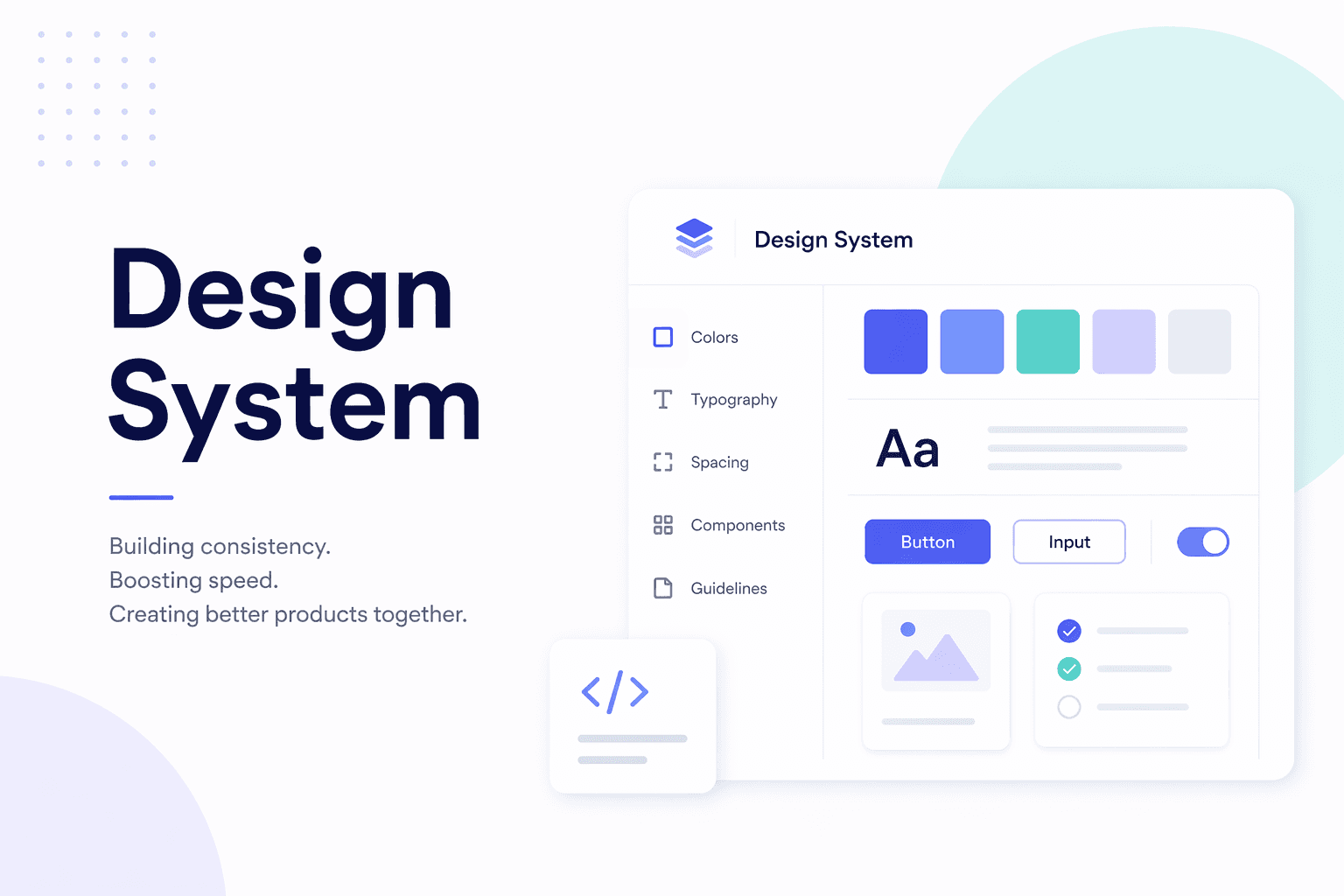
A design system is more than just a collection of UI components. It is a complete, organized framework that includes design rules, guidelines, reusable components, and shared principles. It acts as a common language for designers, developers, and product teams so that everyone builds in a consistent and efficient way.
What Exactly Is a Design System?
At its core, a design system is a structured collection of:
UI components like buttons, forms, cards, and modals
Design tokens such as colors, typography, spacing, and shadows
Guidelines and usage rules
Interaction patterns and UX principles
Documentation for both designers and developers
Instead of creating everything from scratch every time, teams reuse these predefined elements. This makes the entire product feel unified and predictable.
In simple terms, a design system is a shared language that helps teams build better products together.
A Brief History
Before design systems became popular, most companies handled design in an ad hoc way. Each designer worked independently, and there was little standardization. This worked for small products, but as products grew, problems started to appear:
The same component looked different in different places
Colors were inconsistent
User experience felt fragmented
Teams spent time fixing avoidable issues
Large companies like Google, Airbnb, IBM, and Atlassian faced these challenges at scale. They realized that without a structured system, managing design across large products becomes chaotic.
This led to the creation of well-known systems like Material Design by Google. These systems were not created out of convenience. They came from real problems and growing pains.
Why Is a Design System Needed?
Without a design system, things can become messy very quickly. Some common issues include:
The same UI element being designed differently across screens
Misalignment between designers and developers
Repetitive work that wastes time
An inconsistent user experience
A design system brings order to this chaos. It creates a predictable structure where everyone knows what to use and how to use it.
Why Is a Design System Important?
There are three major reasons why design systems matter.
1. Consistency
Consistency improves usability. When users learn how something works once, they expect it to behave the same way everywhere. A design system ensures that:
Buttons look and behave the same
Colors are used consistently
Layout patterns are predictable
This reduces confusion and builds trust with users.
2. Speed
With a design system, teams do not need to reinvent the wheel. Instead of designing and coding components repeatedly, they can reuse existing ones.
This leads to:
Faster feature development
Reduced design and development time
More focus on solving real problems instead of repeating basic work
3. Better Collaboration
A design system aligns everyone. Designers, developers, and product managers all work from the same source of truth.
This means:
Fewer misunderstandings
Clearer communication
Less back and forth during development
It creates a smoother workflow across teams.
How Does a Design System Help in Practice?
In real-world projects, a design system provides practical benefits:
Ready-to-use UI components like buttons, cards, and forms
Clear documentation on how and when to use each component
Reusable code components for developers, such as React or Vue libraries
Consistent branding across the entire product
Easier scaling as the product grows
As products become larger and more complex, managing them without a design system becomes extremely difficult.
Frequently Asked Questions
What is the difference between a UI kit and a design system?
Do small teams need a design system?
Is a design system only for designers?
How do developers use a design system?
Is building a design system time-consuming?
If you have questions, contact us. Email at support@autobizz.com.
Final Thoughts
A design system is not just a nice addition. It becomes essential when you are building something serious and scalable.
At first, it might feel like extra effort. But over time, it reduces confusion, speeds up development, and keeps the product consistent.
Without a design system, chaos grows quickly.
With a design system, things are still complex, but much more manageable.