Key Takeaways
- Enter a date range and the sheet pulls the full buy now list from Prediko.
- Finished goods rows hold everything needed to build a purchase order.
- Raw materials still need a check in Prediko’s bill of materials.
- Refresh before every buying session and save a dated copy each month.
- One shared list makes building orders in Procurement Express faster.
We have built a Prediko Automation Sheet, From Buy Now List to Purchase Orders.
Prediko gives you instructions on what you should buy. One supplier at a time, that's where the hours go to make purchase orders.
When supervising purchases in a rapidly expanding toy company, we continued to click from screen to screen in the Prediko, making notes and then double-checking the numbers before sending off a complete order. So we constructed a central sheet which can gather for us, and joined it to prediko. This post is to help you understand how it works, what it includes and why it was such a timesaver every month.
How the sheet works
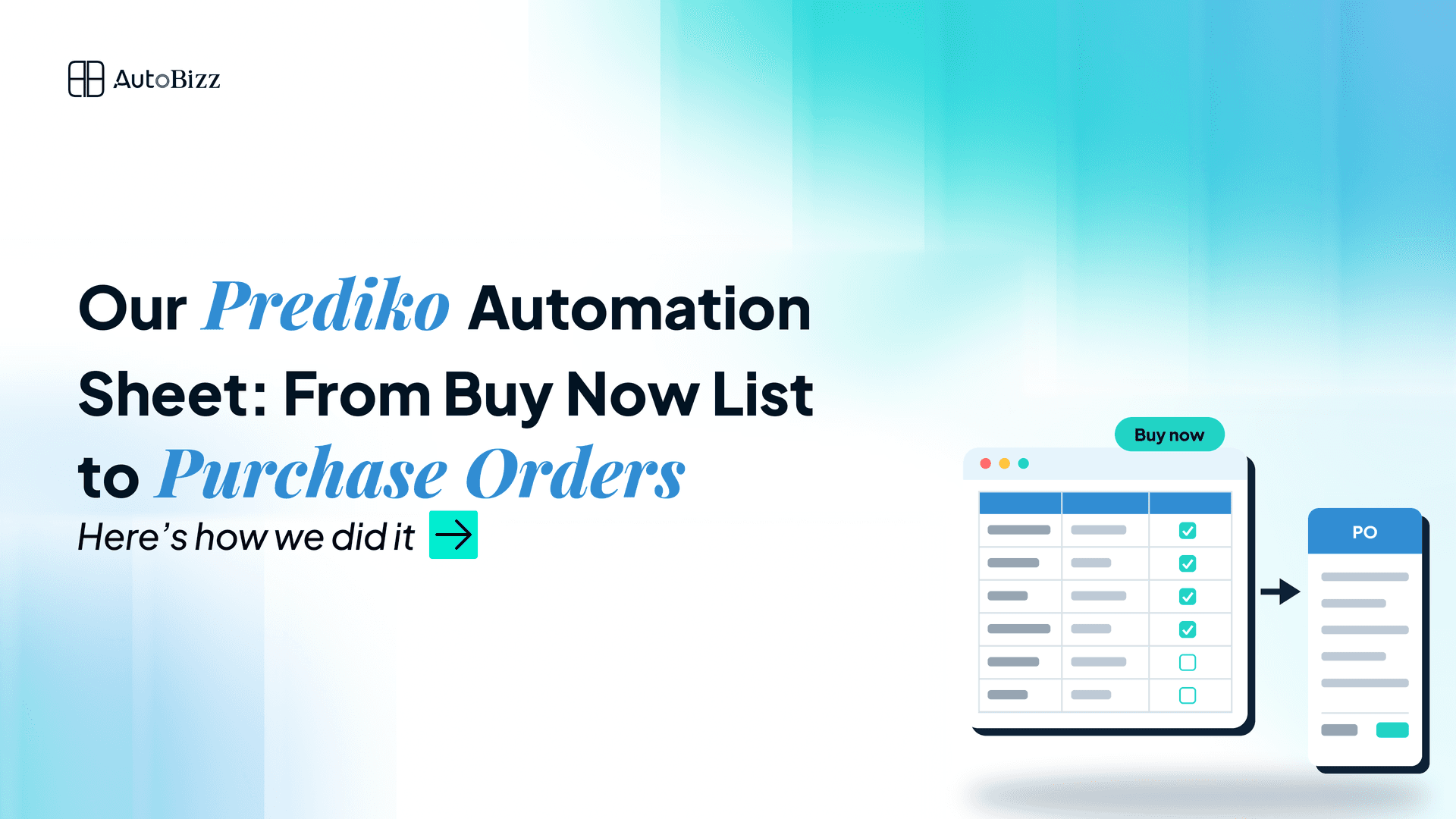
The sheet is linked to Prediko and automatically pulls data when we ask it to. On the settings tab we set a date range (e.g. 1 September - 30 September) and click refresh. After a few minutes, the sheet is filled with all the products, which Prediko says we need to buy in this window.
The results are displayed on 2 tabs: finished goods and raw materials. Each line represents one product. No one exports files or copies anything by hand and the entire team is on the same list.
Everything needed for a finished goods order
For finished goods, the sheet held all the information we needed to build a purchase order:
Product name and SKU
Supplier
Recommended units to buy
Current stock and stock in transit
The date Prediko says to order by
A notes column for our own decisions
With that row in front of us, we could open Procurement Express, choose the supplier, add the SKU and enter the quantity without going back to Prediko. We grouped the rows by supplier, so each group became one purchase order. A notes lookup also carried comments over from the previous month, so details like a carton size or an instruction from the owner were never lost.
Raw materials still needed the bill of materials
Raw materials worked differently. The sheet showed which materials Prediko wanted us to buy and how much, but that alone was not enough to place an order.
We went to the bill of materials in Prediko. That's where you can find out what materials are used in which finished products and how much of each material is required for each product and in what unit of measure. Many light materials are measured by the milligram, gram or the bag. The bill of materials also helped us to verify the meanings of numbers before converting them to bags. It also displays when a product has changed in how it is constructed, and we were not ordering parts that have not been used in the product.
The sheet provided information on what to look at, and the bill of materials provided information on how to order it.
Problems we hit and how we fixed them
The sheet did not work perfectly from day one. A few lessons shaped how we use it now.
Old data. Early on we built orders from a list that was eight days old, and some numbers had already moved. Now we refresh before every buying session.
The wrong date range. Once the settings tab still held an old date, and the list came back short. Checking the date is now the first step.
Stock split across locations. Some materials were split between two warehouse locations, which made totals look low. We read across all locations until the stock was moved into one.
Losing history. Each refresh replaces the list, so at the start of each month we save a dated copy. That shows exactly what changed during the month.
Each fix took minutes, and together they made the sheet something the whole team could trust.
How a sheet like this helps your business
A connected buy sheet sits between your forecasting tool and your purchase orders. It gives your team one shared list, cuts out the copying between screens and keeps a record of every month's plan.
For us, the result was simple. Monthly buying took less time, fewer products slipped through, and the owner could review the full plan in one view before approving it.
If your team uses Prediko and still builds orders by hand, moving from screen to screen, a sheet like this can save hours every month. Get in touch and we can build one around the way you buy.